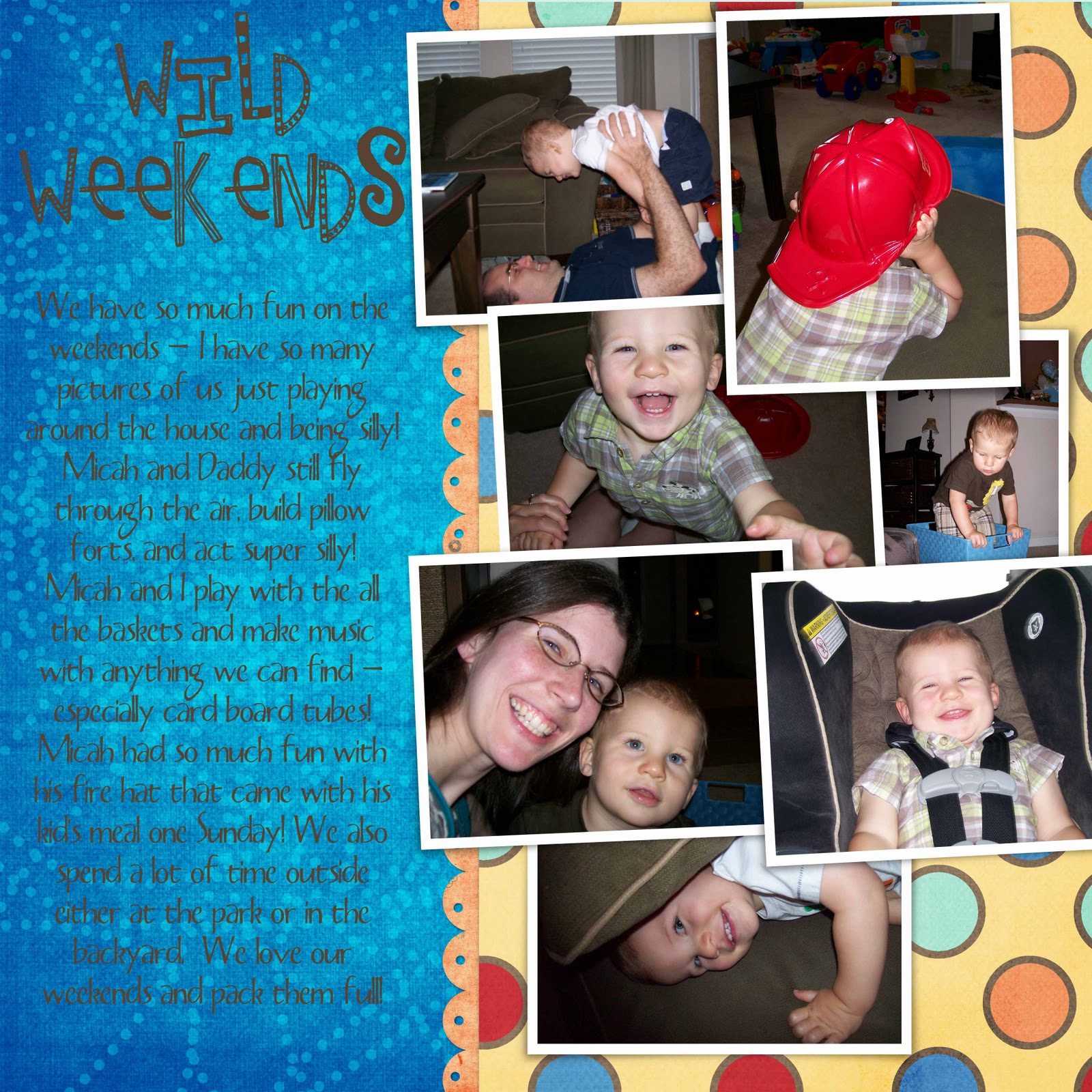
Sorry for the lack of posts this week, I'm trying to recover from a weekend away! I spent the whole weekend at a fantastic scrapbooking retreat. Between the socializing, the delicious meals (that were served to us, we didn't have to lift a finger), and creating 54 digital pages, there wasn't a lot of time for sleep! I'm so excited that I was able to complete portions of our 2010 book from January to the middle of June. I'm in love with digital scrapbooking! I felt a little guilty about not having anything tangible to bring home to show C, but once I opened all the files to show him I felt better. I really had done a lot! I'm putting all my digital freebies and downloads to good use! I just wanted to share a few of my favorites from the weekend with you guys! Thanks for checking them out, I've added the links to the templates, papers and fonts if you are interested in downloading any of them from their respective websites! Happy Scrapping! (Just a note: they aren't shown at the highest resolution, blogger doesn't support gigantic file sizes. Just know that when they are printed out they will be crystal clear.)


Park
Font: Pea Amy from Kevin and Amanda
April
Gymnastics
Weekends
I have been scouring the web to find the best FREE digital scrapbooking templates. Being new to digital scrapbooking, I just don't have the talent (yet) to create my own beautiful layouts. Maybe I have the talent, but not the patience to sit and figure it out. That's where these great websites come in. They have free templates that you can download and use. All you have to do is choose your papers and pictures and basically drag and drop. There are a few more steps than that, but you get the idea. If you are new to digital scrapbooking, check out my first post here.
Here are my favorite ones so far:
The Shabby Shoppe - I know I go on and on about this site, but I just l.o.v.e. it! It's so fresh and the freebies are fantastic!
Manda Girl - She has great two page layouts that have room for lots of photos. I have a hard time narrowing down which photos to use for each event, so these are great. Just my style!
Scraplifter's Challenge - Each month they share a new challenge. You can back track through the months and pick up the older ones.
Simple Scrapper - I just stumbled upon this website like 10 minutes ago and let me tell you I'm impressed! It's a place where people can go and upload templates that they have made (beginners, pros, in betweens) and every one can download them! I downloaded about 3 or 4 in just the first minute of being there! :)
So there you have it, the best places (that I've found so far, there are so many more to check out) for FREE digital templates. I can't emphasize the free enough. Zip, zilch, nada!
Last night I spent a few minutes working on my layout for The Shabby Shop Template Challenge Number 5. Check out the information here. You can download the free template there and upload it to the gallery. Everyone who participates is entered to win a $25 Shoppe giftcard. The winner is selected randomly so everyone has the same chance of winning. Your download includes a Piece of Cake Page that has already been completed, all you have to do is insert your pictures, or if you are feeling more creative you can pick your own digital papers like I did. Here's the layout that I made with the Sandbox kit I bought yesterday! It turned out so cute, I can't wait to do page two for the layout.
This is my second challenge. If you want to see the first one I did, check out my Shabby Shoppe gallery uploads here. I am loving digital scrapbooking!
Head on over to The Shabby Shoppe today and you will find yourself in digital scrapbook wonderland. They are having a 25% off sale for almost every item in the store. I have been wanting to purchase a few of the kits, but just hadn't taken the time to sit down and order and download them yet. Well I'm glad I "waited"...because I just got everything I wanted and more at a 25% discount. And those who know me know I can't resist a good sale! The last file just finished downloading and I must say that I am in love with the kits I bought. I decided on Bounce, Smarshmallows, and Sandbox just to name a few! I can not wait to use this on some new layouts and can't wait to share them with you! If you still aren't certain that you are ready for digital scrapbooking and don't want to commit any money to it yet, check out their free kits here. I've downloaded just about everyone of these and LOVE them! You will too!
The Shoppe sale ends on October 4, so hurry and check it out!
I have a confession to make about Photoshop. C bought Photoshop Elements 8 for me as a Christmas gift. I was so excited to get it out of the box and install it. As soon as I opened the program for the first time, I was completely overwhelmed by it's capabilities! There were so many tools and effects that I didn't even know where to begin...it doesn't even come with a manual. So I opened a new file and tried to get right to work creating my first digital scrapbook layout. I worked on it for about 20 minutes and gave up! I had no idea what I was doing and was so disappointed. I had seen the extravagant layouts with beautiful layers and perfectly placed pictures...I just knew I could do it! But it turns out I couldn't! So I gave up for quite a few months. I'm sad to say that I didn't even open Photoshop for a good three or four months! The little Photoshop icon on my computer stared at me every time I turned on the computer...taunting me even. And then my digital scrapbooking world completely turned upside down.
One afternoon I was browsing the Shabby Princes blog and stumbled upon a free template. I had no idea what it was or how to use it, I just knew it looked cute and I wanted to figure it out and quickly! At the bottom of the post, it linked to a tutorial on how to use the free template. Please take the time to look at this, you will be amazed at how simple and easy it really is! So I downloaded it and got right to work. I opened it in Photoshop, opened up one of my free digital kits that I picked up here and got right to work. I made this layout in about 20 minutes.